


13 Feb 10+ Best Free Contact Form Plugins for WordPress 2021
Looking for an easy to integrate contact form solution?
Give your users a hassle free way of contacting you.
If yes then you have arrived at theme right place I will share the best on offer. Sit tight because I’m including a list of best free WordPress Contact Forms that you can use right away.
We also recommend:
- 10+ Contact Pages with Great User-Experience
- 7+ Best WordPress Plugins to Gather User Feedback
- 7+ Free WordPress Quiz Plugins
WordPress offers its Jetpack plugin that includes a Contact module that can be used right away. But if you still want to look at alternatives then I’m sure this guide will help you out. Here we start with the list now.
Table of Contents
#1 Jetpack Contact Form

As I already mentioned you can enable Contact module from Jetpack plugin within. This plugin needs to be activated using WordPress.com account and once done you can easily enable the Contact module.
Move to creating a new page then and there you will find an icon on editor menu using which you can insert contact form with ease. You can customize the form by deleting or inserting any field you wish to. You can set the email where you would like to receive emails.
Setting it up and using for the purpose is pretty easy and I’m sure you’ll love this plugin to reach the functionality you are looking for. Since it’s from official WordPress developers so, you don’t need to think about its credibility.
#2 Contact Form 7

This one is a well-known free plugin in this niche, and I’m pretty sure that you had heard about it. It’s available officially on WordPress.org store and already been downloaded millions of times. It comes with simple to use tool to reach our requirements along with additional features like CAPTCHA and Akismet (to control spam) and even supports file attachments. Another iconic feature out there is that it can integrate with dozens of other plugins with ease.
#3 Multi-language Responsive Contact Form

This particular plugin allows users to add a contact form either via its simple builder tool or even via PHP or Shortcode offered by the same. It is extremely simple to use, and it serves the purpose we are looking here to complete. Also, it supports CAPTCHA to control spammy submissions that are quite usual these days.
#4 Pirate Forms
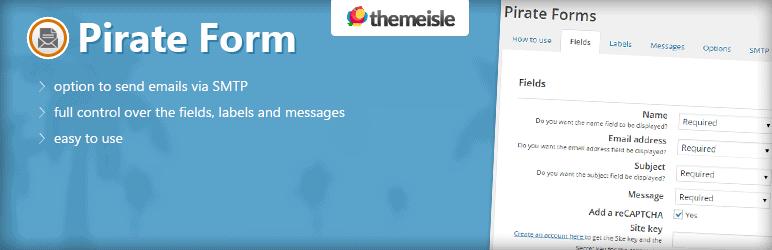
The Pirate form is a simple way to create a contact us page. You can use the shortcode to put te contact form where ever you wish; you can also use the widget area to display your contact form.
Other highlights include:
- Support for reCaptcha to help reduces the number of spam messages.
- SMTP to help ensure that all messages are delivered to your personal email
- Contact form customization over the form fields and what’s displayed to the users.
#5 Custom Contact Forms

If you’re still looking for an alternative but that is equally capable of above all yet also offering certain unique features to stand out of the crowd then consider going with Custom Contact Forms. It is available for free from official plugin store by WordPress, and so you can’t question its credibility.
It can let you do all basic stuff along with customizing graphical elements through the means of CSS using which you can change colors, borders, size, margins, background and many more design elements that are little in size but they have their effect overall.
A drop down menu can be created easily along with support to display pages and posts right there. It will let you enable CAPTCHA and other tricks to track down spam submissions and bring them to the ground. I can bet your search will end with it.
#6 Fast Secure Contact Form
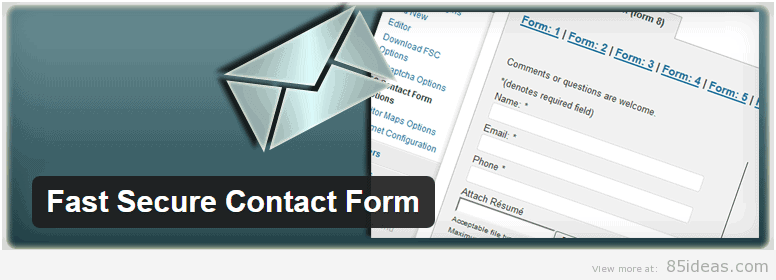
It shares all basic and common getting features as of above plugins along with allowing readers to get redirected to any specific page once they are done submitting the details they wish you to have a look at. It’s again simple to use and available for free.
#7 Ninja Forms

Welcome, the premium plugin now. Its basic features are available for free, though, but it still offers few numbers of additional extensions or modules which costs from $18-49. Since it’s a premium one, so you can expect its code to be completely secured.
Its design is going to be unique and elegant while using and setting it up processes are going to be easy enough to offer you top-notch user experience.
You can use this particular product over here not just to create a simple contact form rather you can add numbers of features like PayPal payment gateway, file uploading tool, different logics for putting up conditions and off course CAPTCHA and other spam protecting features.
#8 WordPress Contact Form Plugin by vCita
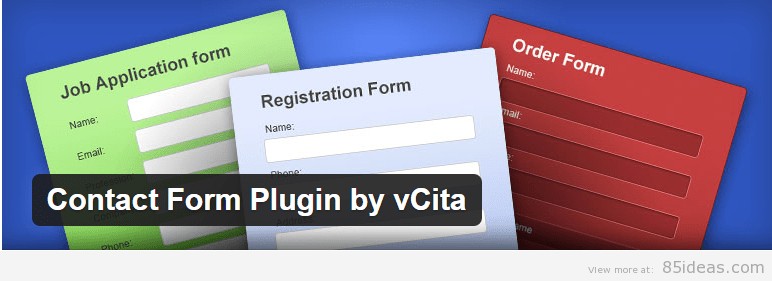
This plugin will help you create a basic form that is fully functional, but it still takes a unique approach at runtime. You can add it to the sidebar of your blog or website and when clicked it opens up in pop-up rather than on a new page. The graphical design elements of pop-up are alterable and elegant enough to stop hurting the user experience.
#9 Contact Form by ContactUs
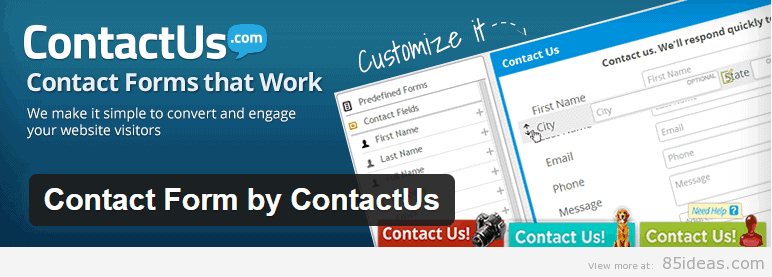
If certain points are remaining on your requirement list that isn’t accomplished by any plugin mentioned above then try the last one I’m recommending. This is last but not the least one, and that’s because coverage of features it got.
It covers each and every feature above plugins offered along with unique ones like Google Maps support, Google Docs and Analytics support and even the MailChimp integration.
#10 Easy Contact Forms
I’m sure now you’re aware of what a contact form plugin have in them as basic features and so Easy Contact Forms brings all of them (basic ones). It’s very light weighted and the builder tool behind works on a drag and drop principle that is another eye-catching feature to look upon. Don’t worry about the money, you don’t need to pay for it.
#11 Slick Contact Forms
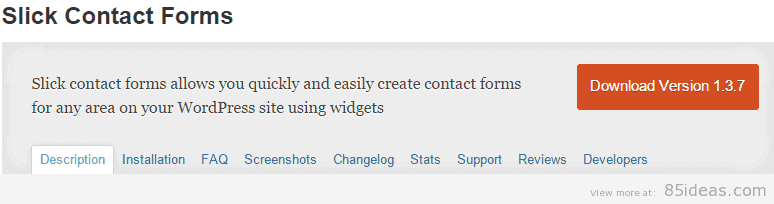
It’s a very basic plugin that once added can let you implement different forms that can be used by users to contact the website owner (you). It comes with different skins to offer different designs. It will let you add three text inputs and one comment area (all basic features covered). It also comes with drop down button which can be displayed even as a sliding tab or as a simple one.
Wrap up
I can sense that you’re pretty much confused at which one to go finally with because each of them is providing the basic stuff we are mainly interested in. But all I can say now is that “it’s your call now!”
Y.C.C.L
Posted at 13:57h, 20 MarchYou wrote on the title “free”, yet posted a premium one
Brian H
Posted at 14:46h, 20 MarchHi, Thank you for stopping by, Which of the plugins mentioned here are Paid? A lot of the plugins and themes on WordPress.org are starting to use a freemium model, meaning you get the product free, but have the options to upgrade for more features if you wish. I hope this helps ?
Y.C.C.L
Posted at 16:22h, 20 MarchLast I heard, the Ninja one was a Premium plugin. Didn’t realized it was now in wordpress.org. I apologize for the mistake.
Brian H
Posted at 10:19h, 21 MarchNo worries, which contact form did you go with?
Y.C.C.L
Posted at 05:19h, 22 MarchI’ve tried 3, but none of them seem to work. Currently I’m using GuiForm. I tried to send a test message yesterday, but I never received it.
Brian H
Posted at 13:00h, 23 MarchVery strange maybe refer to the authors documentation, We use
Contact Form 7 here which we are really happy with.
Y.C.C.L
Posted at 01:53h, 24 MarchI tried Contact Form 7, and it doesn’t arrive either. Is there some kind of tutorial that I can see?
Brian H
Posted at 10:39h, 25 MarchI will create a quick tutorial within the next few hours and post the link to it here.
Y.C.C.L
Posted at 14:38h, 25 MarchCool. That would help me
Brian H
Posted at 22:38h, 25 MarchSee if this tutorial is any use to you: http://85ideas.com/wp-tutorials/how-to-create-custom-contact-forms/ I am yet to do a video, walkthrough
Y.C.C.L
Posted at 00:11h, 27 MarchI sure will! Thanks!
Johannes
Posted at 14:43h, 03 JuneNice overview about those useful plugins! But have you already heard about PlanSo Forms (https://wordpress.org/plugins/planso-forms/)? It’s another great plugin to create beautiful forms and surveys in a professionell use. Just try it and tell me, what you think about it 🙂 Cheers!
Brian H
Posted at 14:29h, 04 JuneHI Johannes,
I have personally never heard of it or used it before. I was going say ten excellent free options is plenty to choose from. But after watching the short video of how to use it, I’m intrigued to test it out and possibly add it to this list. Thank you for your recommendation and stopping by.
shreya
Posted at 07:33h, 16 OctoberHi,
Thanks for the wonderful list of wordpress plugins. I am new to wordpress and searching for some good and reliable plugins. Internet is full of info about these plugins, but most of the time the I found list is too long to decide which one to use. Your short yet effective list of these plugins is much appreciated.
I have also found nice collection of contact form plugins:
1. Contact Form 7
2. Fast Secure Contact Form
3. Gravity Forms
4. Ninja Kick
5. Contact Form 7 Storage (Contact Form 7 Extension)
you may check about each of them here:
Zotabox Marketing Tools
Posted at 06:22h, 30 NovemberHi 85ideas. Did you know you can also add Facebook Messenger to your homepage and allow your customers to contact you directly. Thanks
Brian H
Posted at 22:08h, 30 NovemberHey,
Thank you for the tip but we hardly use social media 🙁 This should change in the future once we’ve found a good social media manager.
For now we heart contact form 7
Zotabox
Posted at 23:53h, 30 NovemberAh yes, a social media manager. It seems businesses can’t get by without one these days.
rasmarcus
Posted at 04:01h, 02 DecemberI prefer Formidable Forms, just because of the PDF add-on plugin called PRO2PDF, it’s awesome at filling in PDF forms with submitted data and emailing the PDF to as many addresses as I want. Both are free and extremely powerful business plugins on my sites.