



24 Sep 8+ Best WordPress Backup Plugins (Free and Paid)
I don’t need to introduce a description of the backup plugin here as it described itself. I’m here to provide you best WordPress backup plugins you can use right away on your blog to keep an additional copy of every code and database. Few years back, one of my effectively ranking websites was trapped in hands of hackers. That day I was asked for a backup file that I wasn’t sure of. Luckily hosting server was keeping an old copy of my website (as per their weekly backup plan) but I did learn my lesson.
Simply go through the list with the individual description of plugin down here and I’m sure you’ll find the one you’re looking till now. As I always say, get ready with your requirement list and start matching with the plugin mentioned below.
We also recommend reading:
- 7+ Best Plugins to Speed Up Your WordPress Site (2019)
- 18+ Best SEO Optimized WordPress Themes
- 18+ Best Social Media Plugins for WordPress 2019 edition
Table of Contents
The Best WordPress Backup Plugins
Let us begin with the list now and I hope your search ends here. Don’t forget to check individual details I’ve added along.
UpdraftPlus Backup and Restoration
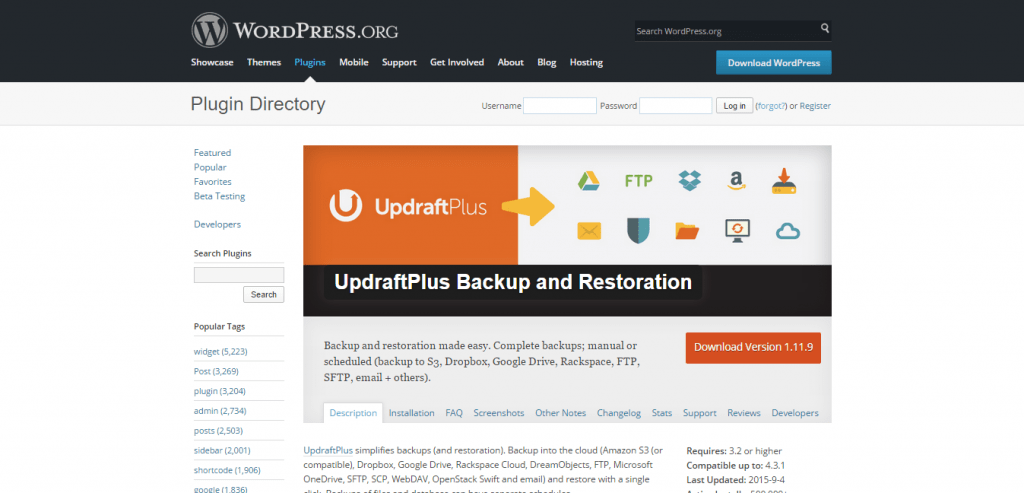
We have been using UpdraftPlus for over a year now and it as never fail us! The best thing about UpdraftPlus for me is the ability to store your back on your host or externally the services like Dropbox, Google Drive and many more. If you are a newbie, then you will take to UpdraftPlus like a duck to water. It’s super easy to use and once you have setup your backup schedule you can forget it with complete peace of mind.
Currently, we store our backup to multiple sources cover all basis.
If you have every backup your site via a Cpanel, which most hosting company then you are aware of the long, time-consuming steps required to download and restore your files. Thankfully this is not the case with UpdraftPlus you just click the restore button and ay presto your site is back to the selected snapshot date.
This plugin is one of the most popular free backup plugin available to date with over 2.0 million downloads. It is worth mention that this plugin also offer a few extra add-ons such as multi-site capabilities, UpdraftPlus Vault Storage and much more.
VaultPress
If you’re ready to pay for a premium product that delivers premium service and vow to perform what it meant for then look no further than VaultPress. It brings in every tool that you may or may not require to keep an extra copy of the whole website you own. Since its premium quality, it provides every feature on the premium standard that are all controlled through a simple but elegant looking user interface. It can even scan the whole code files of your website to search for any malicious content which is an additional benefit.
It sets up quickly within few clicks, and it even offers online backup which is stored in cloud storage for extra safety. If you’re still wondering whether it’s credible or not, then I must add one tag to your knowledge that this plugin is coded by Matt Mullenweg who is the founder of WordPress platform. I hope it clears the air.
BackWPup

If the pricing point of above plugin is stopping you from taking a final decision then try BackWPup, which is a free alternative delivering most basic features to create and maintain backup files of your WordPress driven website. Using it is pretty straightforward, and it even comes up bundled with a simple to use user interface.
It allows users to take backup instantly or even schedule them to happen automatically. It even allows backup files to be uploaded and saved automatically on cloud storage providers like Google Drive, Dropbox, etc. All these features with few more additional ones are being served without any cost. So there is no harm in trying it for once. Yes, it does take care of database files along with main files.
BackupBuddy
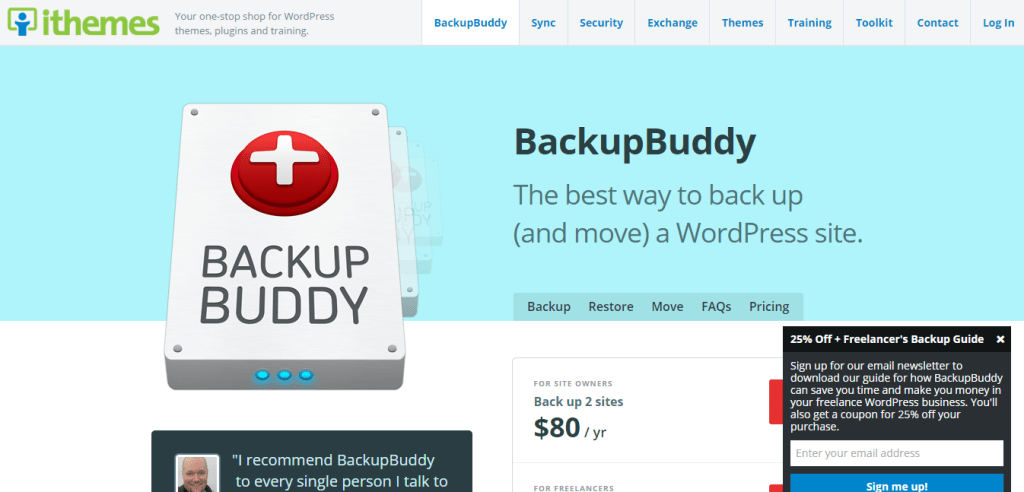
This was the first plugin I came across during my early days, and I was in love with it from the very first moment. If you’re wondering then, it’s a premium tool coming at a price of which it’s totally worthy. It can do all the things that are required and that too on automation but after being set up by you off course.
It’s extremely simple to use, and it comes with a dedicated support and forum where users can look for any sort of help and troubleshoot a problem they are facing, if any. Additionally to all the main tools and functionalities it even offers 1GB of free cloud storage for storing a backup.
WordPress Backup To Dropbox
As the name suggests, it creates the backup of your whole WordPress website including database files and simply stores them on Dropbox account. Dropbox is the leading cloud storage where you can store any file and forget about worrying about its security. Any file on Dropbox is going to exist till its services are there (which I’m sure not going to get down).
It offers usual manual backup along with an automatic button which when setup can schedule the process according to time and date. You can even check and uncheck directories and files that you want to be part of backup or not. You don’t need to pay to start using this plugin and its available officially at WordPress.org store.
WP-DB-Backup
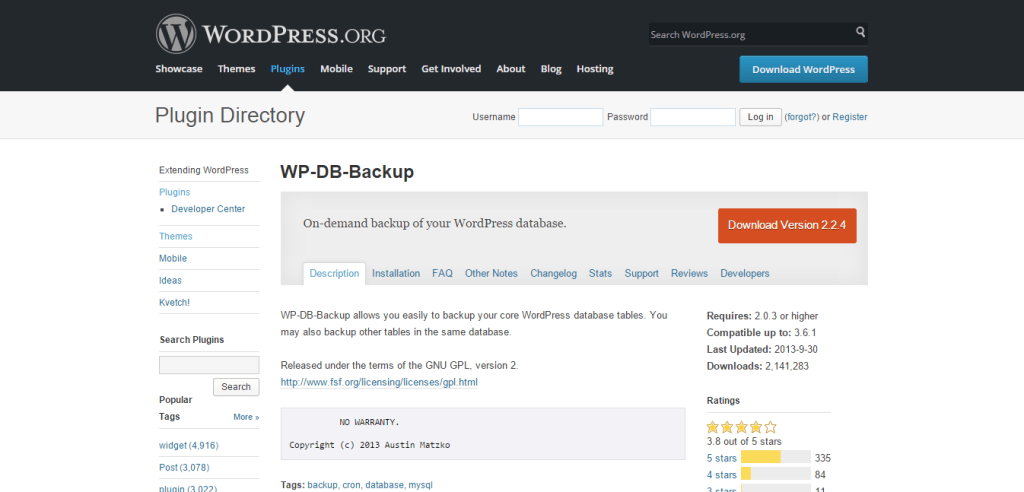
If keeping a backup of database related files is the only motive behind hunting for plugins over here then try WP-DB-Backup. It is a free solution that offers its services exclusively for database part. It comprises of simple to use user interface and very light in weight.
If hosting server isn’t providing phpMyAdmin access to you then keeping WP-DB-Backup plugin activated can be a simple solution. Don’t worry about its credibility since it’s being used and recommended by over a million of users.
PressBackup
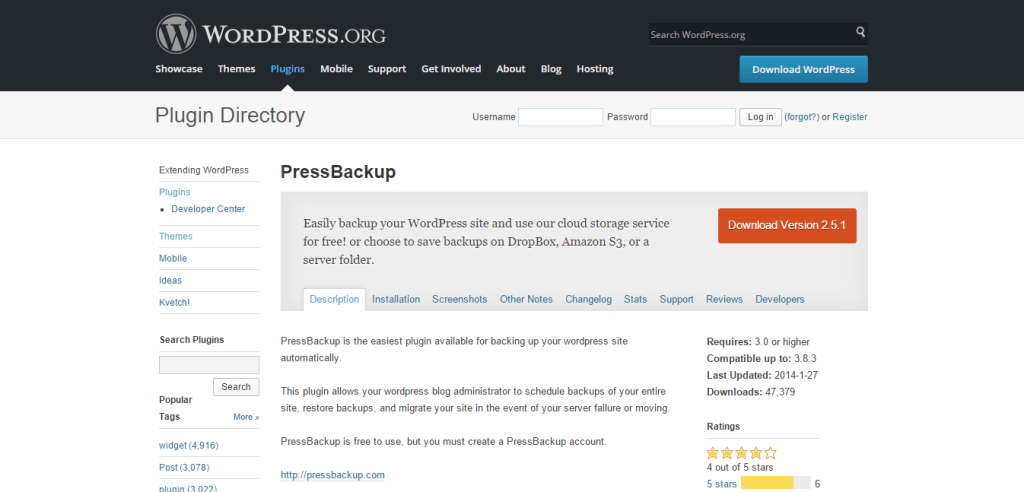
It’s a free plugin that is capable and determinant towards creating a backup zip file of each and every file of your blog, its database, and even the structure. The file then can be downloaded to a local computer or stored on the server via FTP. Everything around in this tool is pretty simple, and I can bet if you can find any flaws.
Everything that it can backup comprises even of plugins and themes. It does a good job overall and isn’t that heavy in size as you may be expecting. Since there is no pricing included, so nothing is stopping you from trying it out. It’s cloud storage list even comprises of Amazon S3.
blogVault
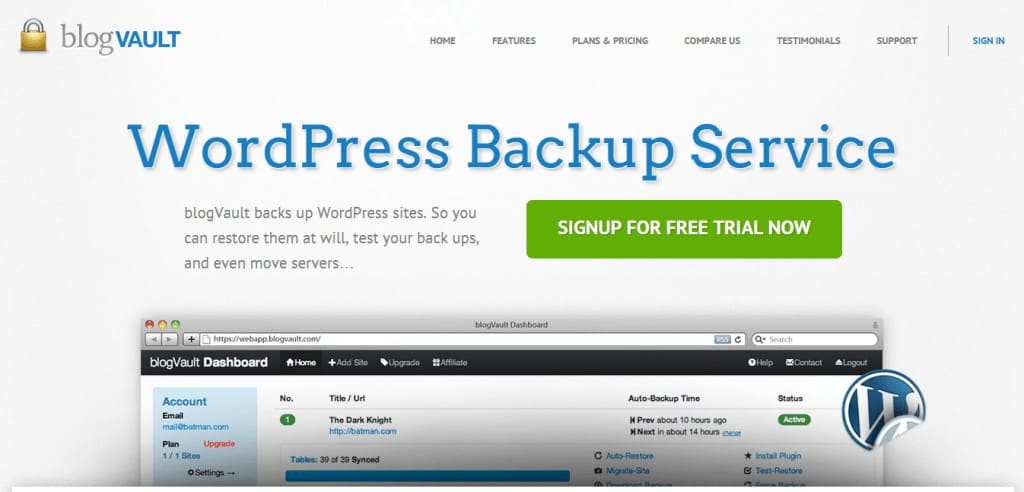
This is the last one I’d recommend here, and it comes with a free trial if you’re not ready to pay in starting. It offers features to create a backup and keep everything highly secured. It can auto restore files and folders whenever you schedule to do and can even help in migrating a website between two different server hosting providers.
It allows users to select files that they wish to be part of the final zip. This whole package comes with dedicated support that can help you clear any sort of related confusion.
Verdict
Finally, it’s your call that which one you download and install. But do keep one of them because keeping a backup is crucial for the future of your website. Peace.
Brian H
Posted at 11:06h, 17 FebruaryHey Pawan,
Another amazing article, may I also suggest https://wordpress.org/plugins/updraftplus/ which is free and is what we use here at 85ideas.
I store backups externally with this plugin but what I like best is the simple one click restore 🙂
David Anderson
Posted at 17:17h, 25 AprilHi Brian,
Thanks for mentioning UpdraftPlus. (I am the lead developer). It is the #1 most installed backup plugin for WordPress – it’s great to hear that it’s what you’re using on this site!
Best wishes,
David
Brian H
Posted at 13:59h, 27 AprilHi David,
Thank you for stopping by it is an amazing plugin you guys have created and couldn’t recommend it enough. I used to pay something like a $140 plus per year for HostGator backup thanks to UpdraftPlus I now pay nothing.
I will update this article shortly to include UpDraftPlus.
Thanks again for taking the time to stop by and leave a comment.
Spotify Reloaded
Posted at 11:43h, 20 SeptemberI’ve just installed the WP MyBackup. It rocks!
Pros: It comes with all imaginable options suited for file/mysql backups and scheduled backups :full backup, mysql maintenance, disk/ftp/ssh/dropbox/google/webdav/email, complex/complete logging system, email notifications,etc.
Cons: the restore function or other functions (like incremental/differential backup, encryption, cpu/bandwidth throttling, reports) comes only as separate addons available with its commercial version (although each is only 5$).
I take care of few blogs on daily basis and the FREE version I guess has anything I need: it backups my blogs’ automatically, upload them to FTP/Dropbox/Google/etc, a worry free life. It just works everytime! I love it!
I used before the UpdraftPlus and BackupWPup but they lack of options in free version, let alone that BackupWPup failed to upload my backups to Dropbox 9/10 times.
Brian H
Posted at 12:04h, 25 SeptemberHey,
I have been using UpdraftPlus for over a year now and its never failed:)
Your plugins looks great but still very new…Just to inform you we do not allow self-promotion withing our comments.
Prashant Walke
Posted at 08:35h, 23 FebruaryWP Database Backup plugin helps you to create Database Backup and Restore Database Backup easily on single click.Manual or automated backups.
https://wordpress.org/plugins/wp-database-backup/stats/
John Crooks
Posted at 00:07h, 18 MarchGreat list! AIO SEO Pack and W3 Total Cache are my favorite of the list. Thanks for sharing..
rose
Posted at 09:56h, 20 JulyAll this plugins are great but out of all, backup ad restore dropbox is my favourite
Editorial Staff
Posted at 17:54h, 22 JulyThat seems to be the going theme I’ve gotten by reading the comments. I’ll make sure to update this list to reflect the feedback. Thanks!
Betty
Posted at 06:55h, 08 SeptemberHi, great work. I read through the comments and I can see some people already suggested Backup&Restore Dropbox plugin on WordPress. Would just like to say that this plugin is really awesome. I started to use it a while ago and it got all my Dropbox files safe.
becky
Posted at 02:22h, 29 SeptemberThanks for your recommendation i Backup&Restore Dropbox was really great and fabulous using it and it’s free to use easy to access reliable and effective.